 Notikora
Saves by itself, wisely
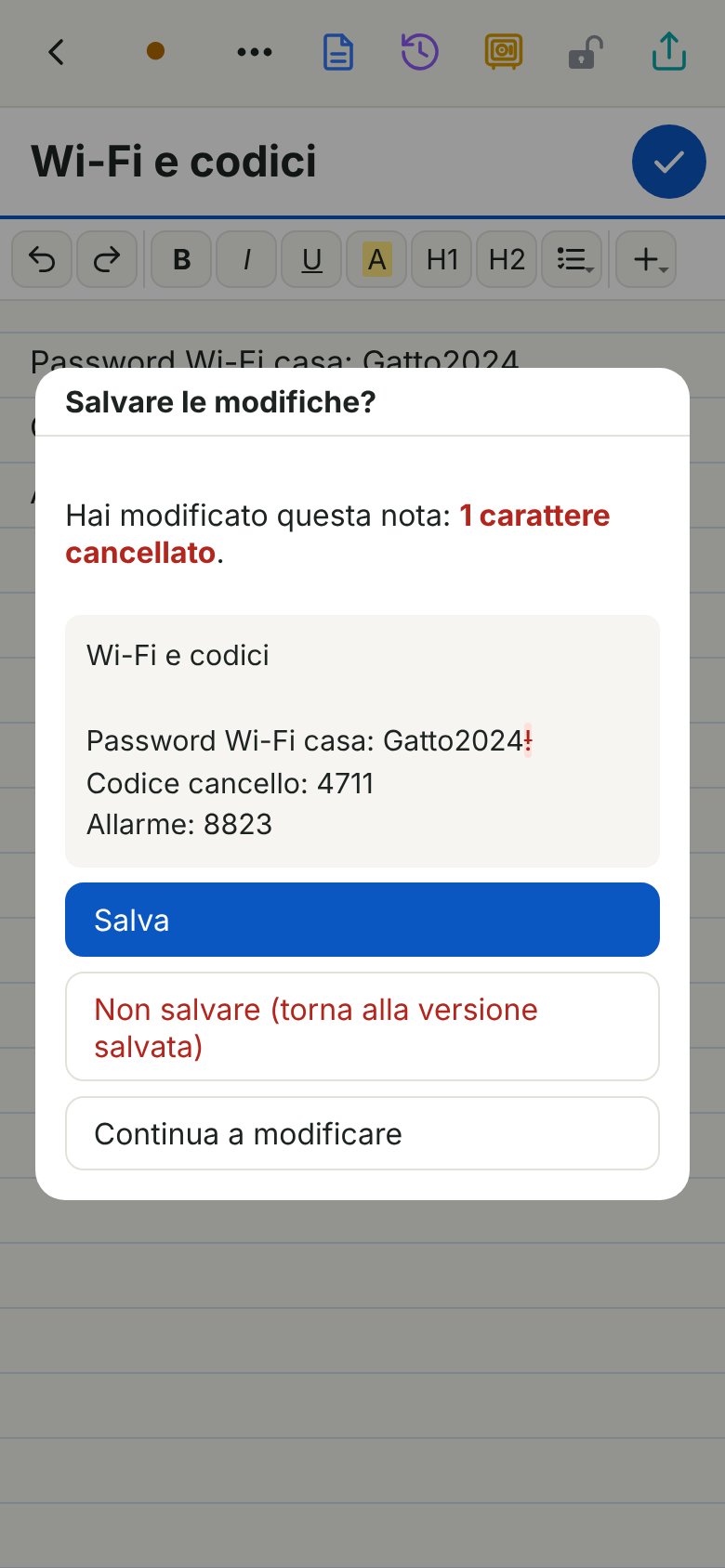
Close the note and it's saved. Changed your mind? Tap «Undo». If you delete a lot of text at once, it first shows you what disappears and asks you.
Notes · history · encrypted vault
A line deleted by mistake, a password gone, a note saved wrong: with Notikora it doesn't happen any more. It saves by itself, keeps every version for good and warns you when you're about to delete a lot.
Free, no account: it opens right here in your browser.
Close the note and it's saved. Changed your mind? Tap «Undo». If you delete a lot of text at once, it first shows you what disappears and asks you.
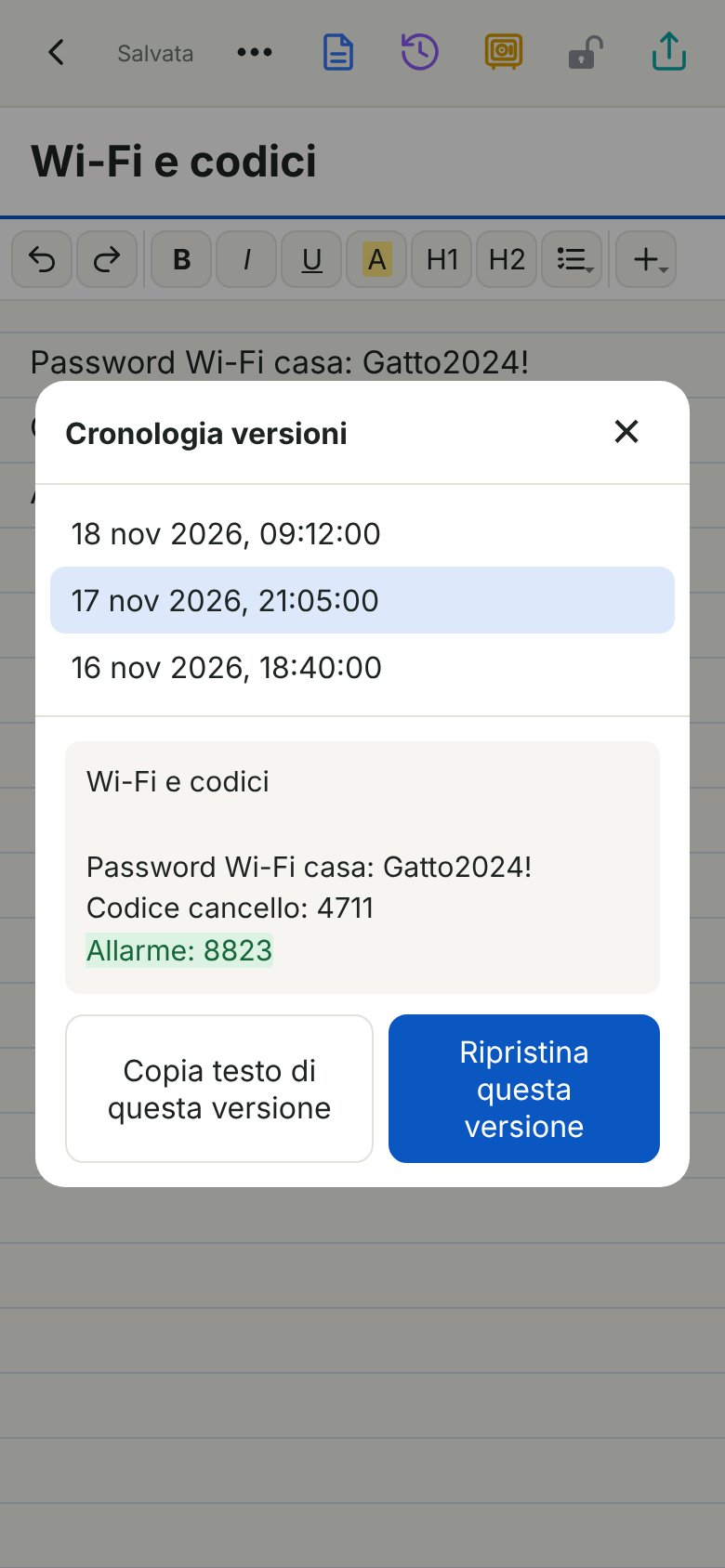
Each save keeps the previous version. See what was removed in red and what was added in green, and go back with a tap.
Passwords and private notes live in an encrypted vault on your device. Protected notes stay encrypted in the history too.
Phone and computer link up by scanning a QR code. Notes travel end-to-end encrypted: not even we can read them.
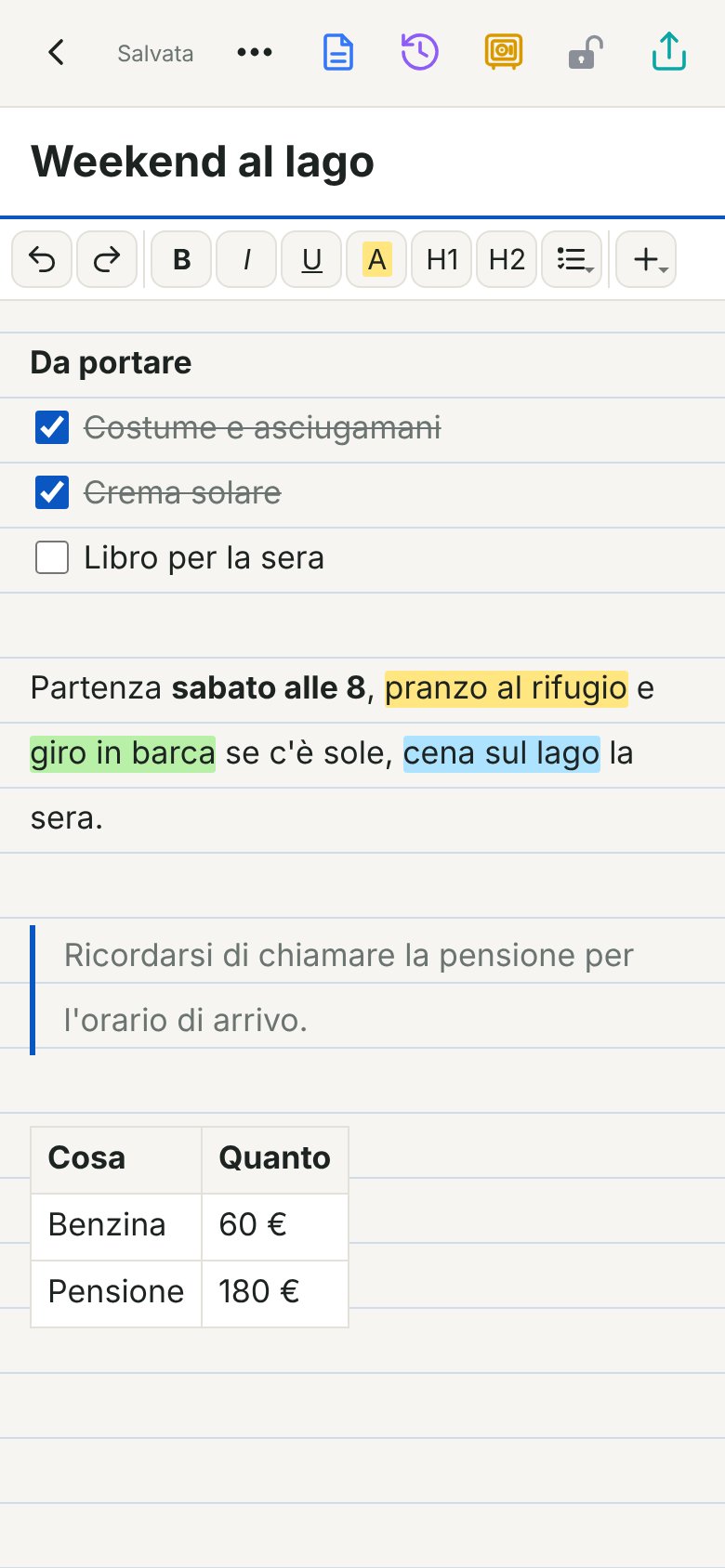
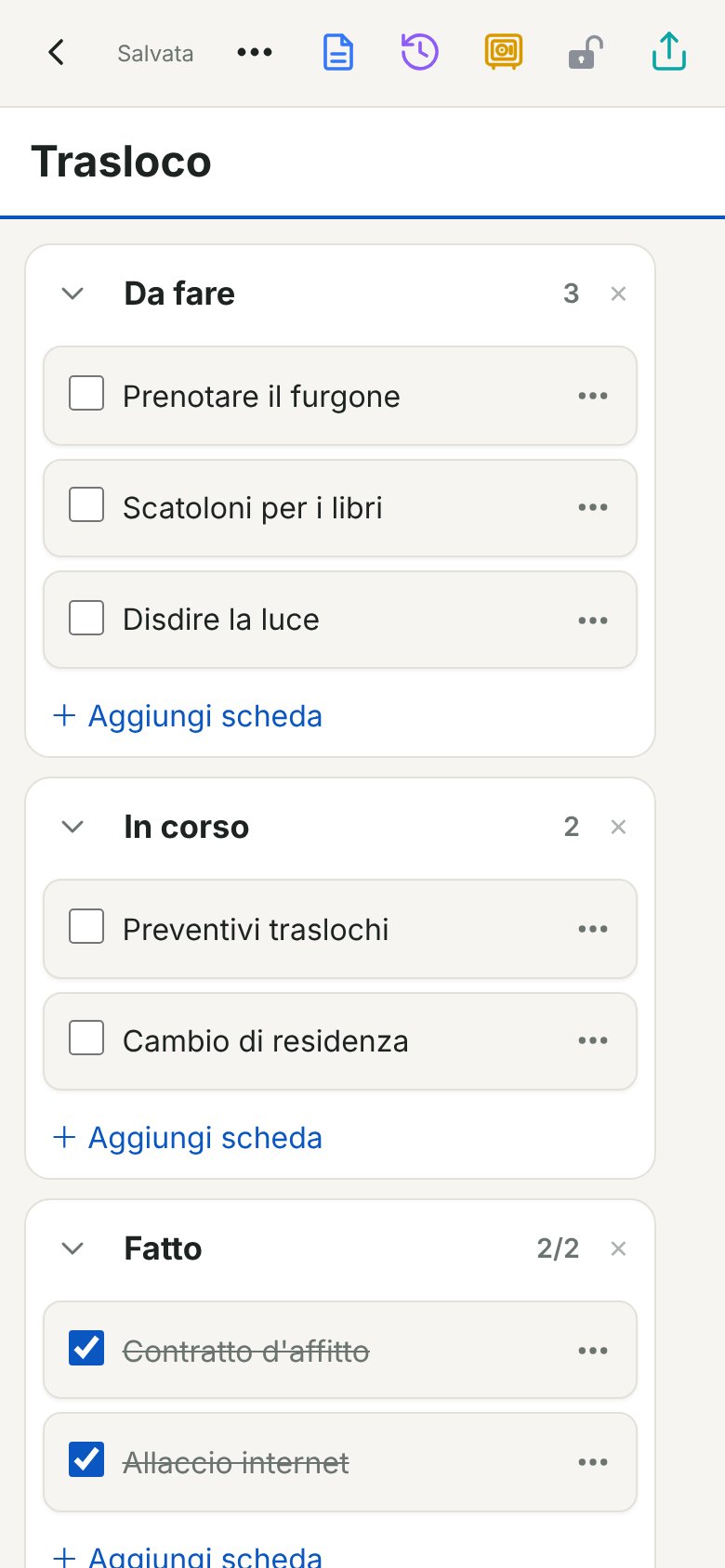
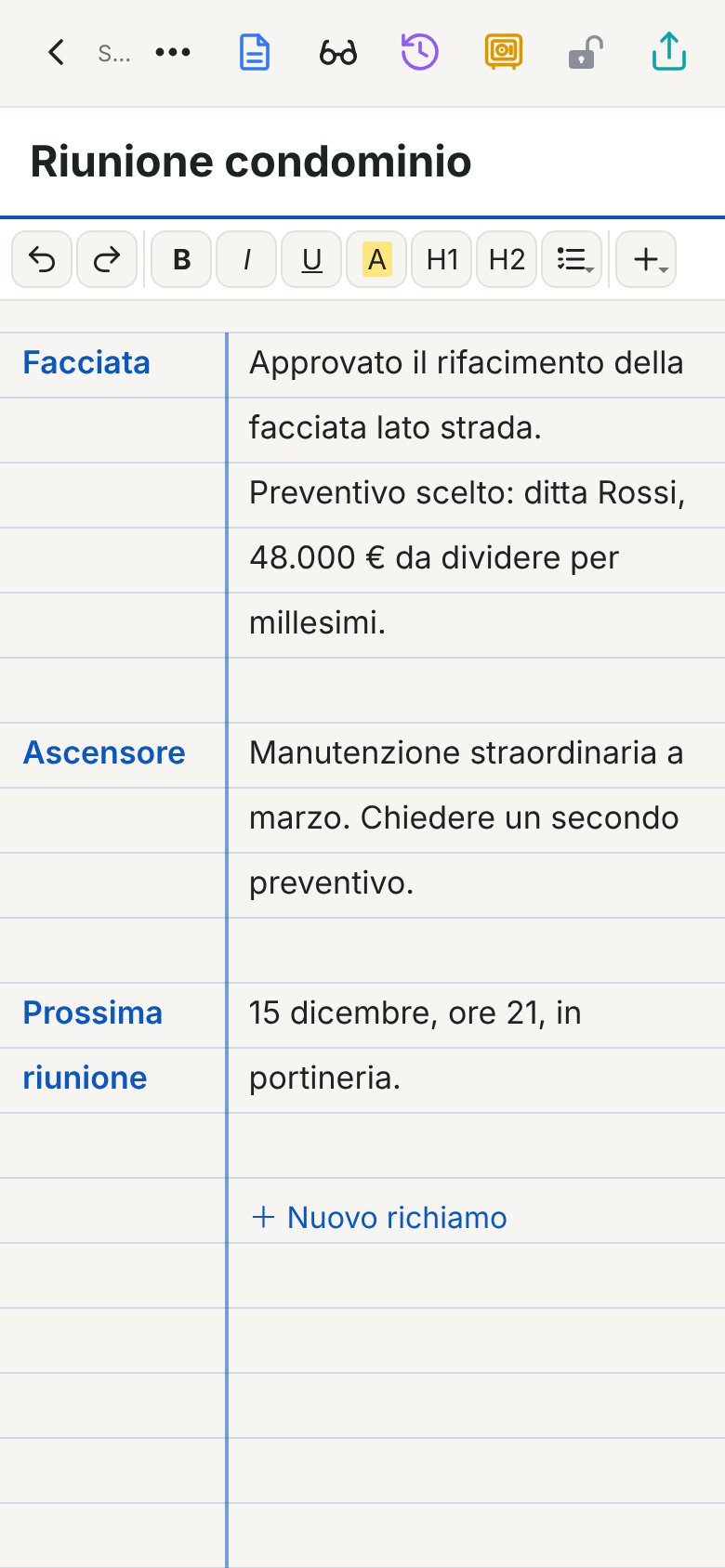
Bold, headings, a five-colour highlighter, lists, tables. Plus a column board, cues for studying, lines and grids like a notebook.
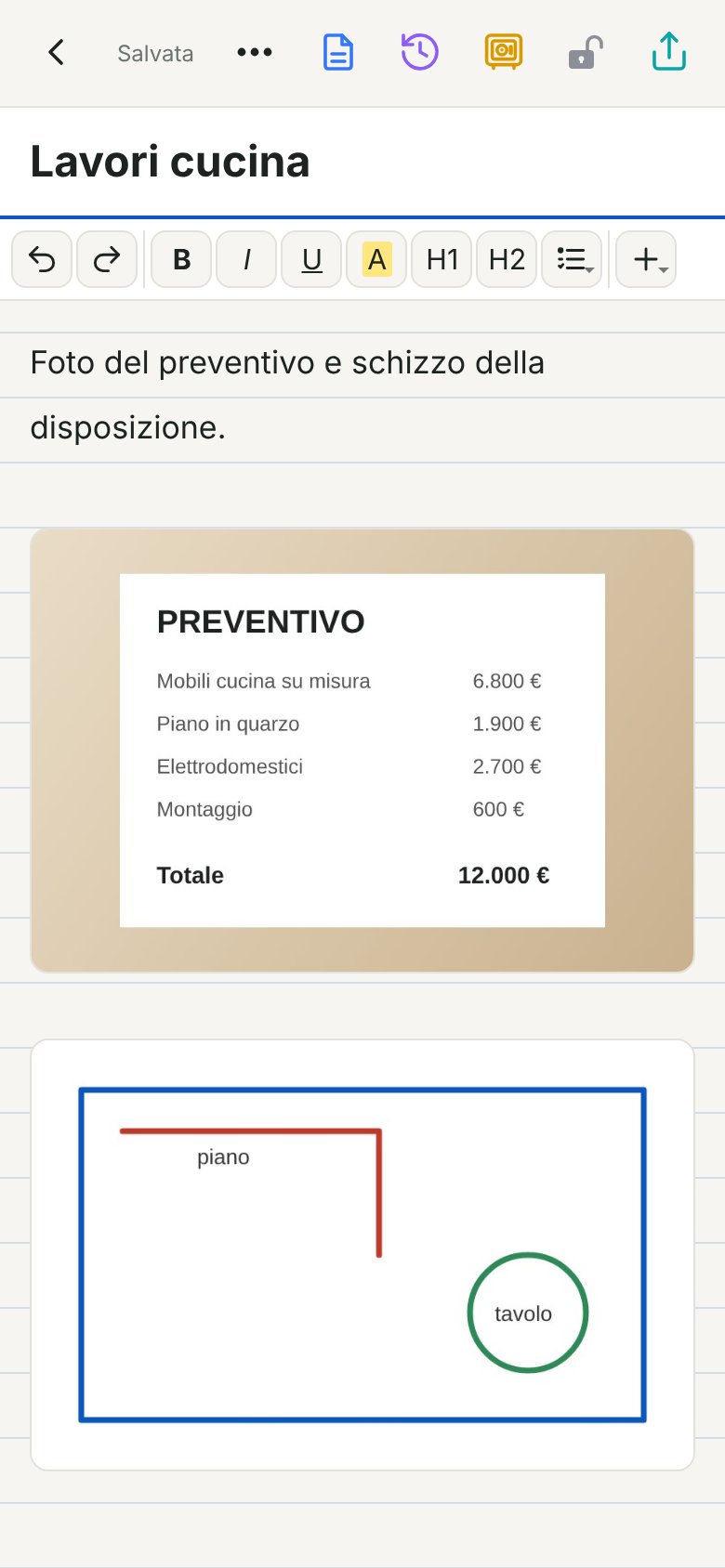
Dictate instead of typing, record a voice memo, add photos, PDFs and hand drawings inside the note.
You open a note to check a password. One wrong tap and a character is gone. You close the app: the note has already saved itself, and the right version is lost.
That's why Notikora exists. Every version stays in the history, and when a lot of text disappears it asks before saving.
No. Your notes stay on your device. To have them on your other devices, turn on sync: you link them with a QR code, no email and no password.
On your device, in the browser or the app. If you turn on sync they pass through our server already encrypted, with a key only your devices have.
You'll find it in the note's history: every save keeps the previous version. Deleted notes stay in the bin until you empty it.
Nobody can recover it, not even us: that's the price of real encryption. That's why we tell you before you create it.
Yes: you can import text, Markdown and Evernote files, for example notes exported from Apple Notes or Obsidian. And you can export everything whenever you like.
Nothing. Notikora is free and has no ads.
The iPhone and Android apps are on their way. Meanwhile Notikora already works in your browser, and you can add it to your Home Screen.
Try Notikora now